Writing agent-ready API docs in VS Code
A practical VS Code workflow for authoring Reqbook specs with variable autocomplete, previews, and agent context before coding agents touch the API.
Agent-ready API docs are not a separate documentation format. They are the same API contracts developers should already want: readable, precise, close to the code, and executable.
The Reqbook VS Code extension makes that easier to maintain because the editor becomes the place where you author the contract, check variables, preview the file, validate the structure, and generate compact context for a coding agent. Claude Code, Cursor, Copilot, Codex, and other agents can read Markdown files, but they are much more reliable when those files already contain the request, expected response, variables, and assertions they need.
Why agents need better API docs
Coding agents are good at scanning source code, but source code is often the slowest way to learn an API workflow. The agent has to inspect router files, middleware, schema validators, environment loading, tests, fixtures, and old docs before it can safely call one endpoint.
That creates familiar failure modes:
- the agent calls the right route with the wrong payload,
- it forgets an auth header,
- it uses a stale base URL,
- it assumes a response field exists because it saw an old type,
- it changes implementation code without updating the API example,
- it reports success without leaving a reusable contract behind.
A Reqbook spec gives the agent a smaller object to reason about. It says what the endpoint is for, how to call it, what variables are required, what response is expected, and what assertions define success.
VS Code is a natural place to keep that file healthy because the person reviewing the code is already there.
The same authoring pattern also works for multi-step flows. A checkout or onboarding flow can sit beside the implementation, show captured values explicitly, and give an agent a concrete path to run instead of asking it to reconstruct behavior from source code alone.
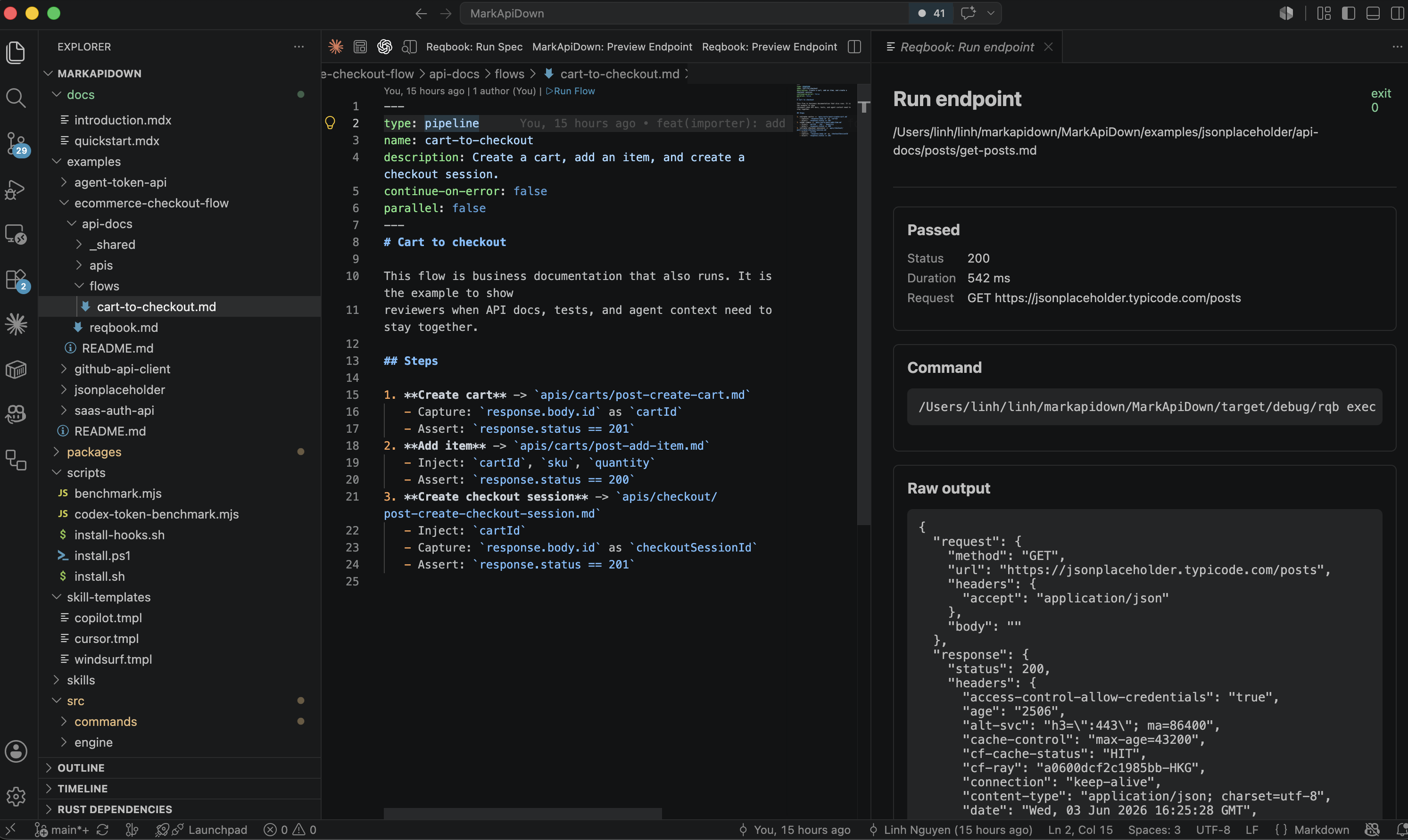
Author the contract beside the implementation
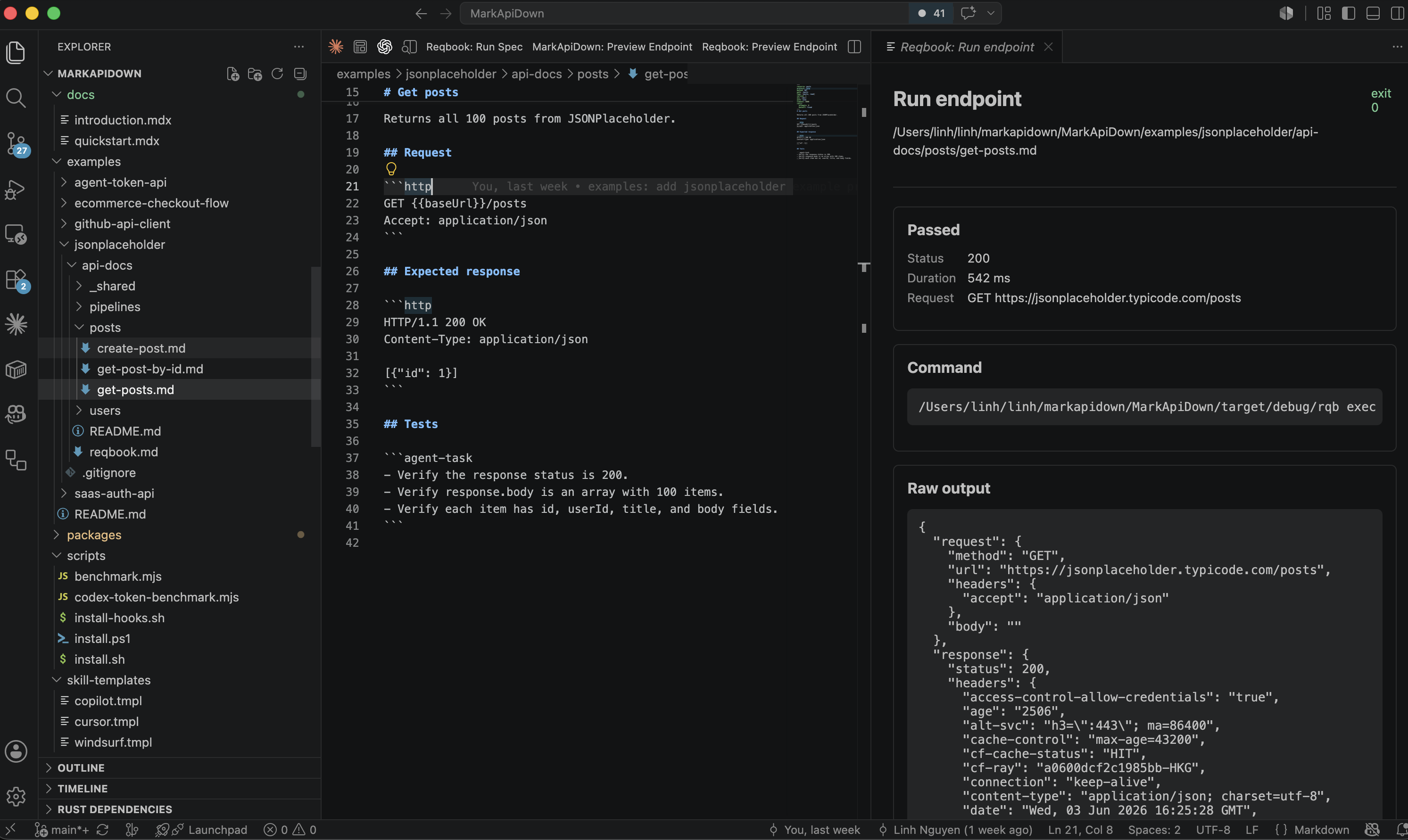
The extension activates on Markdown files in workspaces that contain api-docs/reqbook.md. When you open a runnable endpoint spec, it detects the frontmatter and shows run controls. When you open a collection doc or shared env file, it stays quiet.
That distinction keeps authoring focused. You can keep product notes, shared variables, endpoint specs, and flows in the same api-docs/ tree without treating every Markdown file as executable.
A useful agent-facing endpoint spec should include:
- purpose,
- request method and path,
- headers,
- body example,
- expected response,
- variables,
- assertions,
- notes about business behavior.
Here is the shape:
---
resource: refunds
method: POST
path: /refunds/quote
auth: bearer
env: [dev, staging]
---

# Create refund quote

Returns a refundable amount and policy reason for an order.

## Request

```http
POST {{baseUrl}}/refunds/quote
Authorization: Bearer {{token}}
Content-Type: application/json
Idempotency-Key: {{requestId}}

{
  "orderId": "{{orderId}}",
  "reason": "damaged_item"
}
```

## Expected response

```http
HTTP/1.1 200 OK
Content-Type: application/json

{
  "orderId": "{{orderId}}",
  "refundable": true,
  "amount": 4200
}
```

## Assertions

- status: 200
- body.refundable: true
- body.amount: exists
An agent can read this file before touching a refund handler. A human can review it in a pull request. The CLI can execute it in CI. The VS Code extension can validate and run it locally.
Variable autocomplete keeps specs boring
One of the easiest ways to make API docs fragile is to hardcode environment values. A spec should say {{baseUrl}}, {{token}}, {{requestId}}, and {{orderId}}. It should not paste real secrets or staging-specific identifiers into Markdown.
The VS Code extension suggests variables while editing {{variable}} templates and path params. It collects suggestions from:
api-docs/_shared/env.md,.env.local,- path params in the current spec,
Capture: ... as <name>directives in flows and pipelines.
That is a small feature with a large effect. It helps developers keep the contract explicit without making them memorize variable names. It also helps agents because the final spec uses stable placeholders instead of copied runtime values.
For example, if a flow captures orderId, the extension can suggest orderId in an endpoint that needs it. If .env.local contains AUTH_TOKEN, the extension can suggest the camel-case variable that maps naturally into {{authToken}}.
The point is not autocomplete for convenience alone. The point is consistency. Consistent variable names make specs easier to search, easier to run, and easier for agents to repair.
Preview before asking an agent to use it
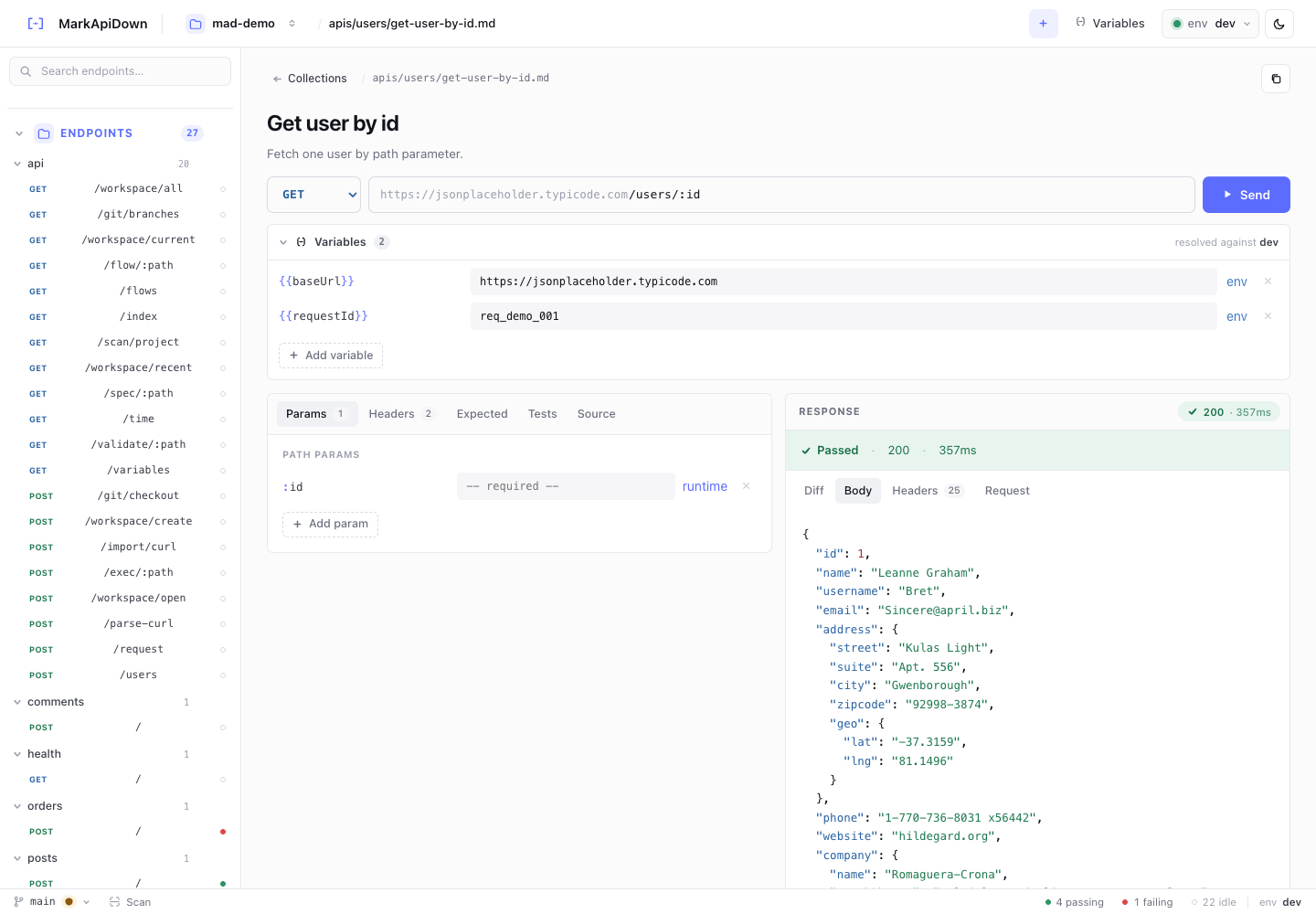
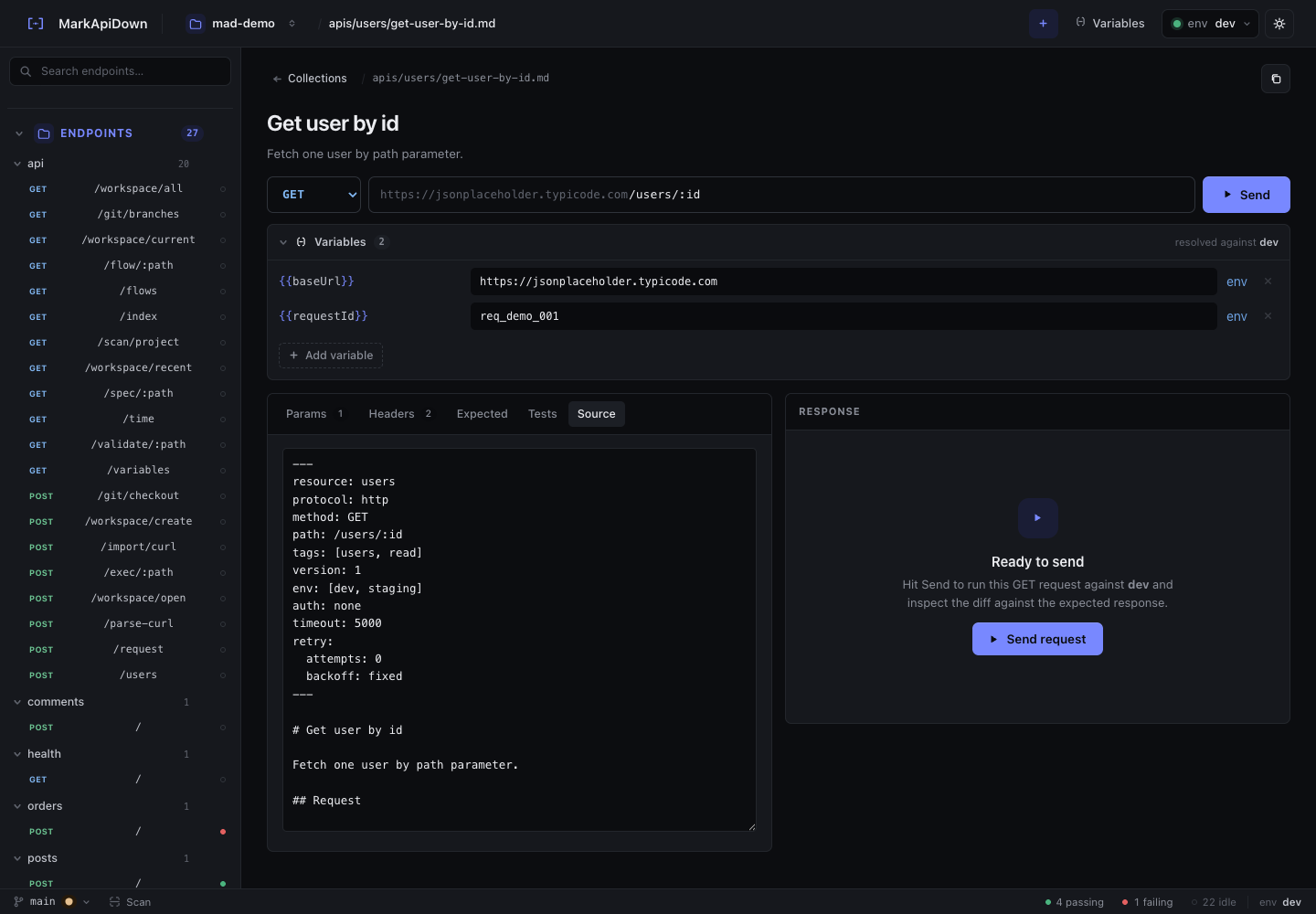
The Reqbook: Preview Endpoint command opens a VS Code webview beside the editor. It renders the current Markdown spec, shows detected variables, and provides quick actions for Run, Validate, and Context.
Use preview as a readability check. If the preview is hard for you to scan, it will be hard for an agent to use. The spec should make the request and expected behavior obvious without requiring a source-code archaeology session.
A good preview answers these questions quickly:
- What is the endpoint for?
- Which environment variables are required?
- Is the file runnable?
- What should the response look like?
- What assertions matter?
- Is there context a coding agent should see before editing implementation code?
If the answer is unclear, improve the Markdown. Do not make the agent infer business behavior from route internals.
Show Agent Context inside VS Code
The extension includes Reqbook: Show Agent Context. It saves the current file and runs:
rqb context path/to/spec.md --root api-docs --brief --max-fields 12 --include variables,request,response,errors,rules,verify --env devThe result panel shows compact context for the selected spec. This is useful before handing a task to an agent because it gives you a small artifact to inspect:
- selected endpoint or flow,
- environment,
- variables,
- request summary,
- expected behavior,
- relevant notes.
That context is intentionally smaller than the whole repo. A coding agent should not need to rediscover every route in the backend just to update one endpoint. It should start from the contract, then inspect source code only where necessary.
In practice, this creates a better prompt shape:
Use the Reqbook contract in api-docs/apis/refunds/post-refund-quote.md.
Update the refund policy implementation so this spec passes.
Run the Reqbook spec after the change and update the contract only if behavior intentionally changed.
The agent now has a concrete target. The reviewer has a concrete diff.
Keep validation separate from execution
Before an agent runs or changes anything, validate the file:
rqb validate api-docs/apis/refunds/post-refund-quote.mdIn VS Code, use Reqbook: Validate Current File.
Validation catches Markdown contract problems before they become API debugging sessions. If a request block is malformed or a variable is unresolved, fix the spec first. If the spec validates but execution fails, then the agent can focus on implementation, environment, or expected-response drift.
That separation is important for agent workflows because it narrows the failure type. A vague “API test failed” is not very actionable. “The spec is invalid” or “the implementation no longer matches the expected response” is actionable.
The review loop
For agent-heavy teams, the best VS Code workflow is simple:
- Developer writes or updates the Reqbook spec.
- VS Code autocomplete keeps variables consistent.
- Developer previews the spec for readability.
- Developer validates the current file.
- Agent receives the contract path as task context.
- Agent edits implementation code and runs the same spec.
- Pull request includes both source changes and contract changes.
This makes the API contract part of the engineering loop rather than a separate documentation chore.
It also prevents a common failure: the agent fixes the code but leaves stale examples behind. With Reqbook, the example is executable. If the expected response changed, that change should appear in the Markdown diff. If the expected response did not change, the spec becomes a regression test.
When to leave VS Code
The VS Code extension is for the tight authoring loop. It is not the only surface.
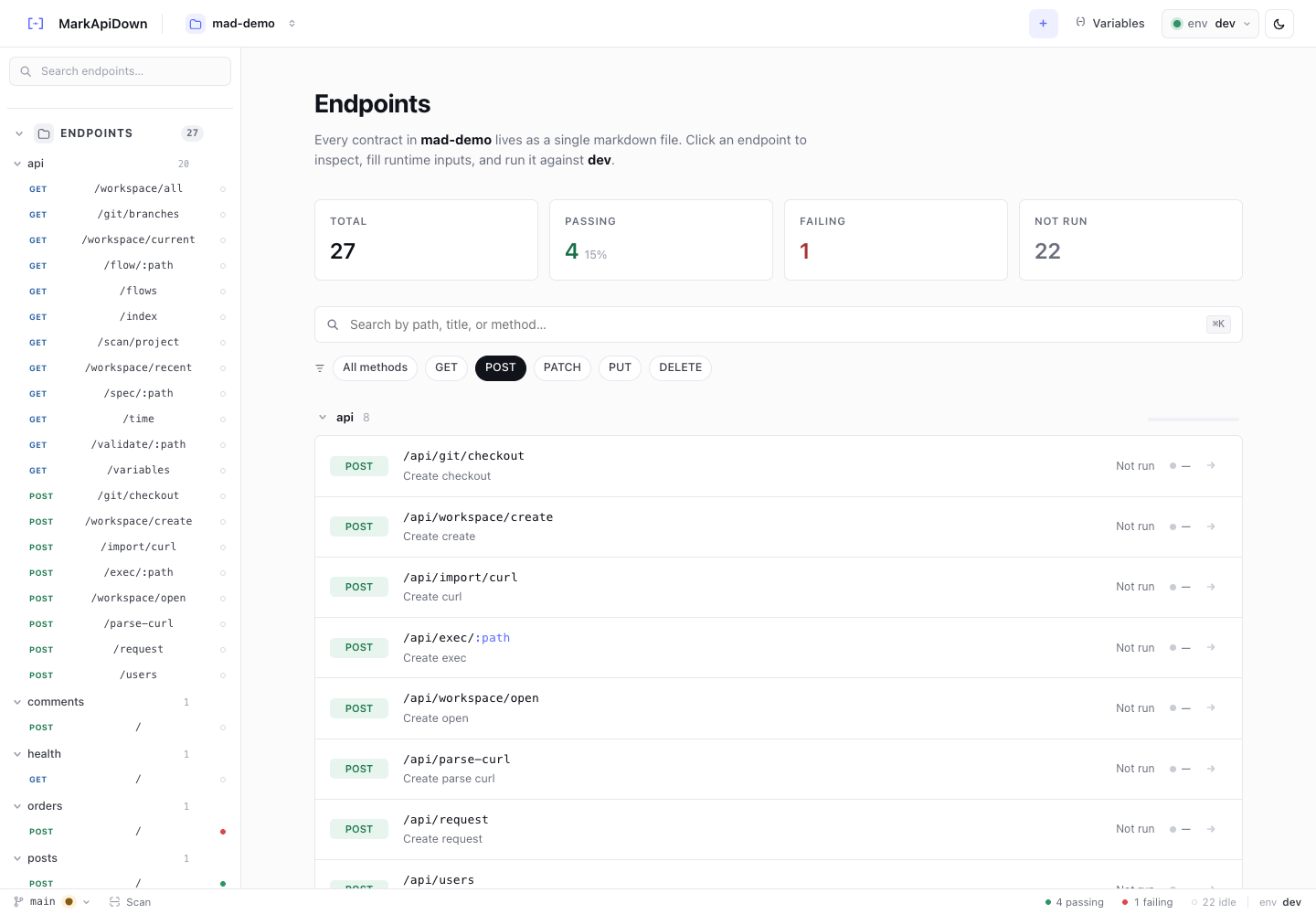
Use the browser UI when you need richer visual request editing, response inspection, variables, and the flow canvas. Use the CLI for CI and scripts. Use MCP or agent skills when you want the agent to search and execute specs through structured tools.
The same files power all of them:
rqb validate api-docs/
rqb exec api-docs/apis/refunds/post-refund-quote.md
rqb flow api-docs/flows/onboarding-checkout.md
rqb serve
rqb mcp
That is the core Reqbook idea: the API docs are not trapped inside one tool. They are Markdown files in the repo, and every surface reads the same contracts.
For the agent execution loop, read API testing for coding agents. For the MCP version of the same idea, read MCP API testing for AI agents. To install the project, start at Install Reqbook.