MCP API testing for AI agents
How MCP API testing lets Claude Code and other coding agents search specs, run endpoints, inspect compact results, and avoid copying curl commands.
MCP API testing is useful because coding agents should not have to invent an API client inside a shell command. They need structured tools, compact results, and a contract they can inspect before changing code.
Reqbook exposes that workflow through rqb mcp. The agent can search specs, run one endpoint, run a flow, inspect variables, and get results as structured JSON.
Why MCP is a better agent interface than copying curl
Copying curl into an agent prompt works for one request. It breaks down when the agent needs to do real development:
- find the correct endpoint,
- resolve variables for the selected environment,
- run the request,
- compare the response to expected behavior,
- explain the failure,
- update the contract if behavior changed intentionally.
MCP gives the agent named tools for those jobs.
claude mcp add rqb -- rqb mcpAfter that, the agent can call tools such as rqb_search, rqb_exec, rqb_diagnose, rqb_flow, and rqb_vars without scraping a UI or rebuilding a curl command from memory.
The tool loop
A good agent API testing loop is small:
- Search for the endpoint or flow.
- Read the matching Markdown contract.
- Run the contract with the selected environment.
- Inspect the compact result.
- If the endpoint fails, call
rqb_diagnosefor likely cause, inspect targets, and verify commands. - Update code or docs based on the failure type.
The agent does not need the full HTTP transcript for every run. It needs enough structured output to choose the next action.
{
  "passed": false,
  "status": 422,
  "error_type": "CONTRACT_MISMATCH",
  "hint": "Update ## Expected response in the spec to match actual, or fix the API"
}
That is much easier for an agent to use than a long terminal transcript.
Compact output keeps agent context clean
Agent context is a budget. Raw request and response bodies can consume that budget quickly, especially when endpoints return lists, nested payloads, or HTML error pages.
Reqbook keeps MCP output compact by default:
- pass or fail,
- status code,
- duration,
- failure type,
- actionable hint,
- response diff summary.
When the full body matters, the agent can ask for verbose output. The default path stays focused.
When to use the browser UI instead
MCP is the agent interface. The browser UI is the human interface.
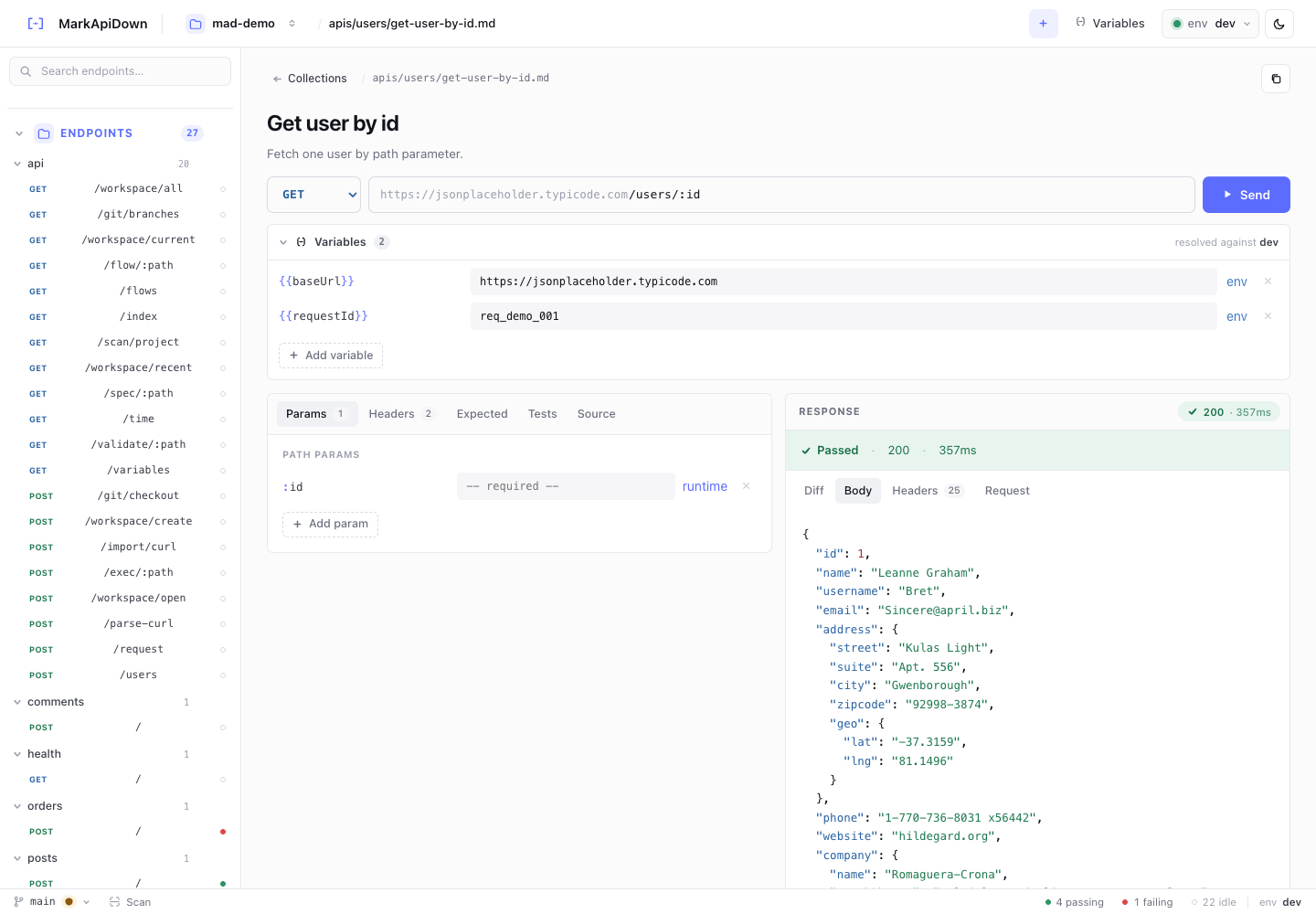
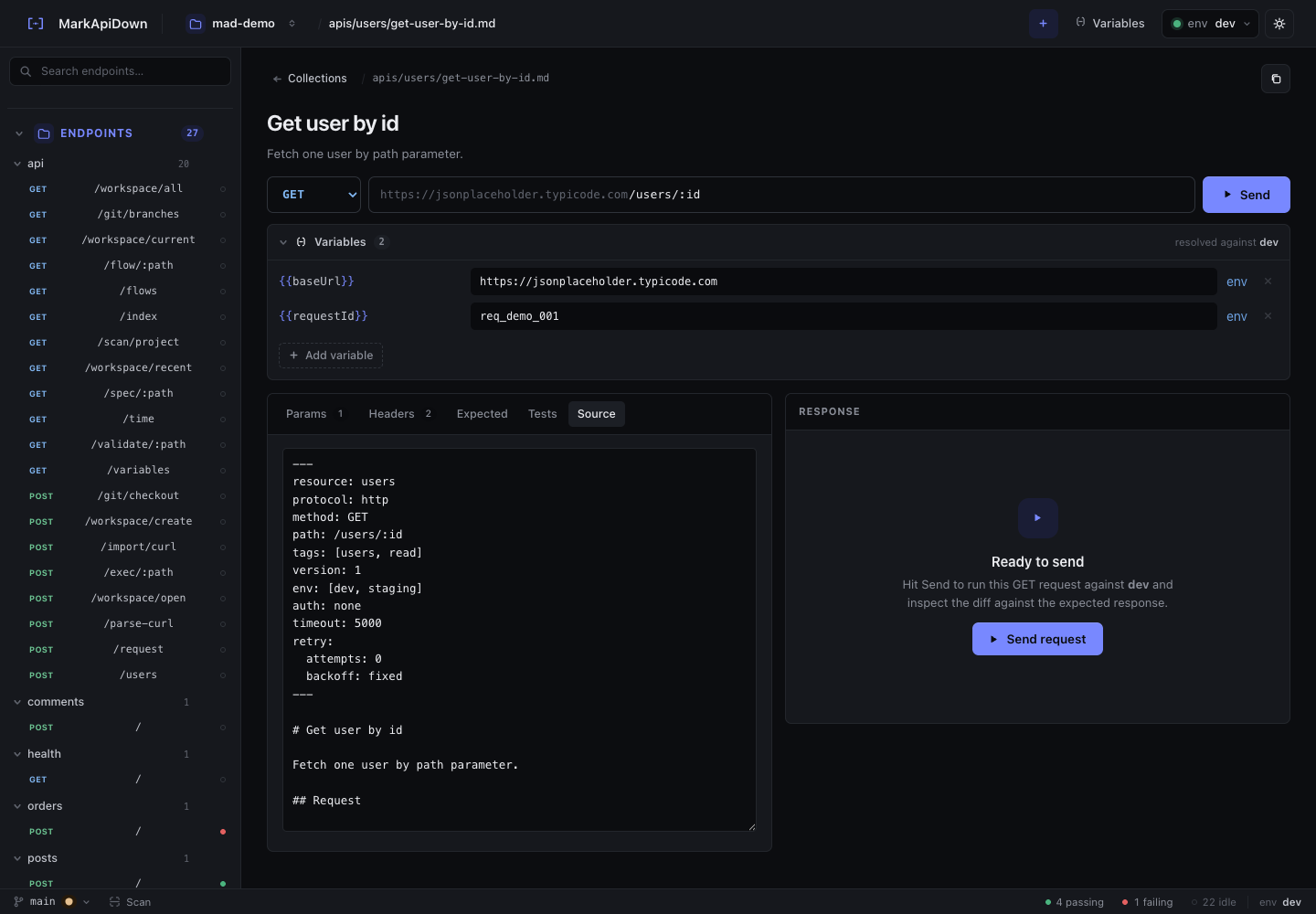
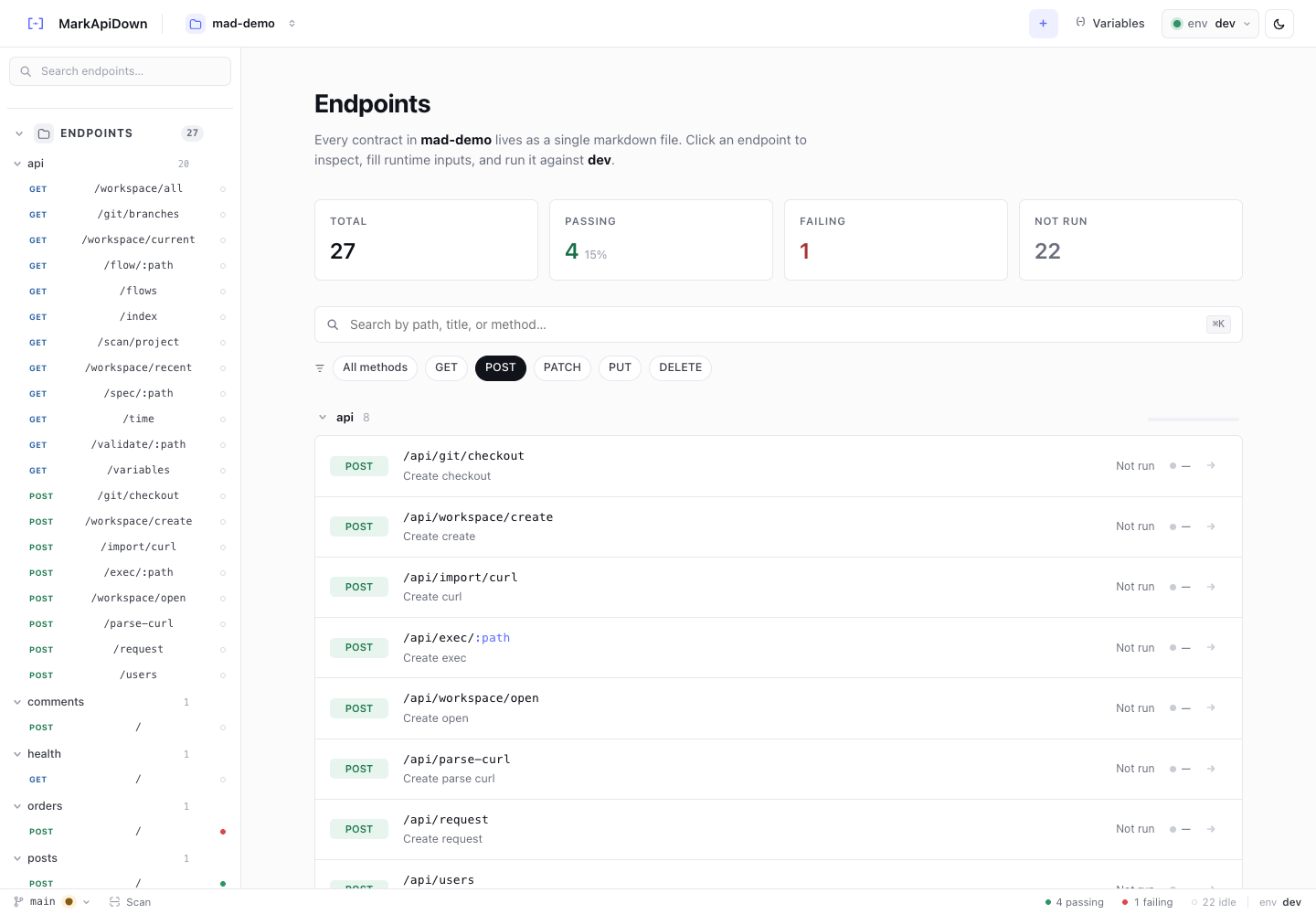
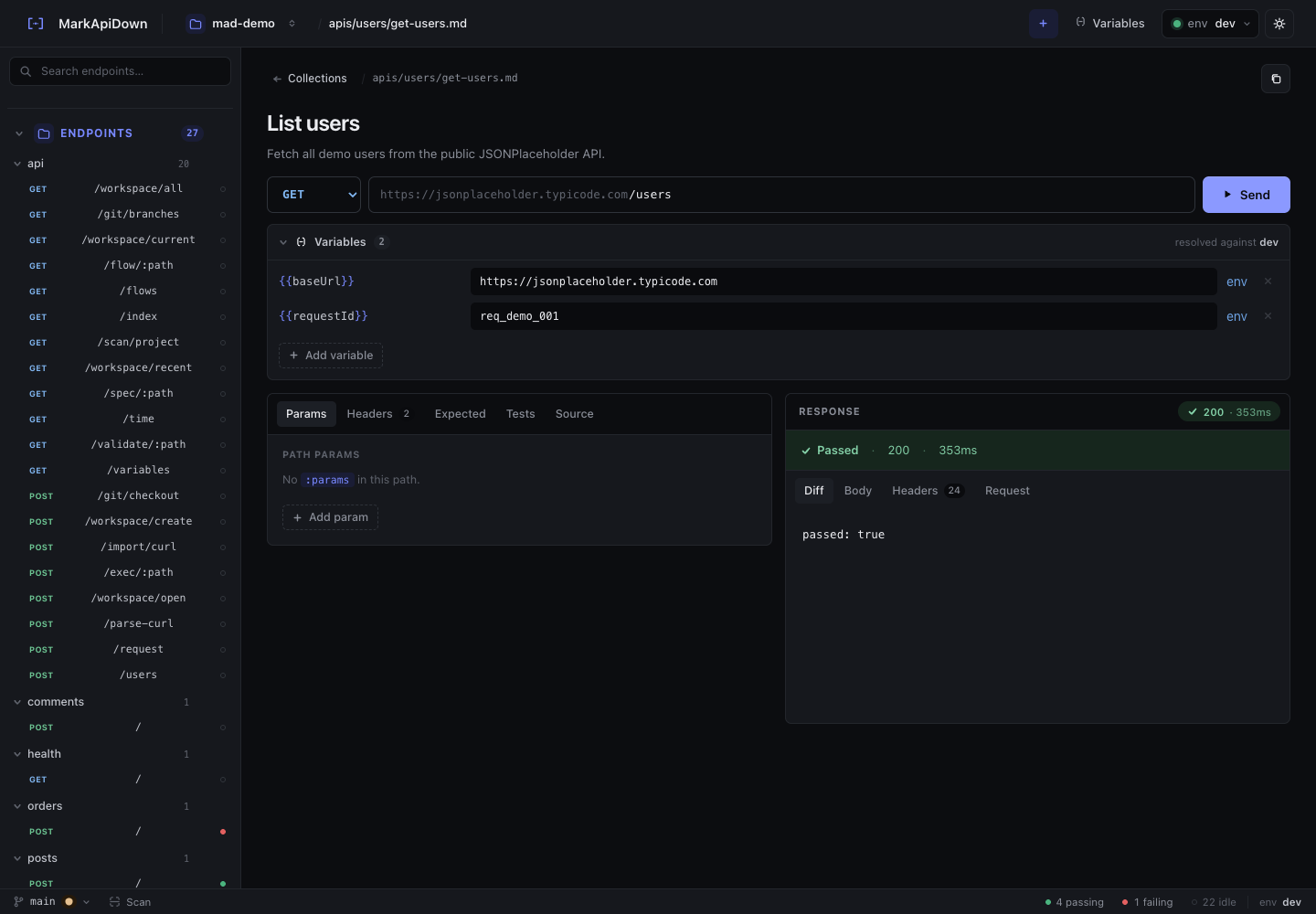
Use the browser UI when you want to inspect a collection, search endpoints visually, edit runtime variables, run a request manually, or build a flow on a canvas. Use MCP when an agent is doing implementation work and needs structured API feedback.
They work over the same files:
api-docs/
  apis/
  flows/
  _shared/env.md
That is the important part. Humans and agents do not maintain separate API knowledge.
Give the agent search before execution
A common mistake is asking an agent to run an endpoint before it knows which contract owns the behavior. Search should come first.
With MCP, an agent can search by method, path, tag, or text:
Find the spec for POST /workspace/create, inspect the variables, then run it in dev.The ideal sequence is:
rqb_searchfinds candidate specs.rqb_varschecks what the selected spec needs.rqb_execruns the endpoint or dry run.rqb_diagnosegives the next action when the endpoint fails.- The agent changes code or updates the Markdown contract.
That sequence prevents the agent from calling a nearby endpoint just because it found a route with a similar name. It also gives the agent a deterministic artifact to reference in its summary.
Error taxonomy matters for autonomous work
Agents need error types more than prose logs. A human can read a long stack trace and infer what happened. An agent does better with a small taxonomy.
Reqbook MCP tools return errors like:
| Error type | What the agent should do |
|---|---|
VAR_MISSING | Inspect env sources or ask for the missing value |
AUTH_FAILED | Check token, selected env, or auth header |
CONTRACT_MISMATCH | Compare implementation behavior with expected response |
NETWORK_ERROR | Check service availability before editing specs |
SPEC_PARSE_ERROR | Fix Markdown/frontmatter structure |
This makes agent behavior less random. A CONTRACT_MISMATCH might justify changing code or updating ## Expected response. A NETWORK_ERROR should not cause the agent to rewrite the API contract. When the compact result is not enough, rqb_diagnose returns likely_cause, next_action, inspect, and verify as structured fields.
Use verbose mode only when the body matters
Compact output is the default for a reason. Most agent decisions do not need full response bodies.
Use verbose output when:
- the diff summary is not enough,
- a nested field changed,
- the agent needs to infer an expected response,
- a bug depends on headers or raw payload shape.
Keep the normal path compact:
{
  "passed": true,
  "status": 201,
  "duration_ms": 143,
  "error_type": null
}
Then escalate only when the next action needs more detail. This keeps the agent context focused on the code change instead of turning every API run into a transcript dump.
Pair MCP with installed agent skills
MCP gives the agent tools. Skills teach the agent when to use them.
rqb skills install --agent=claude-code
rqb skills install --agent=cursor
rqb skills install --agent=codex
The skill explains the project layout, endpoint spec format, assertion style, pipeline capture patterns, and routing rules. That means the agent can respond to normal prompts such as “test the signup endpoint” or “debug this checkout flow” without the user re-explaining Reqbook every time.
The strongest setup is both:
- skills for workflow knowledge,
- MCP tools for structured execution.
That combination turns Markdown API specs into practical agent context, not just documentation.
Use session defaults for repeated work
When an agent is debugging several endpoints in one task, set session-level defaults instead of repeating the same environment and variables every time.
For example, an agent can keep env=dev for the whole investigation, run several rqb_exec calls, then switch to env=staging only when it needs to compare behavior. That keeps prompts shorter and reduces the chance of accidentally mixing environments.
Session defaults are especially useful for long debugging tasks: search the specs, set the environment, run the failing endpoint, run the related flow, then summarize the exact contract and failure type.
For the broader agent workflow, read API testing for coding agents. For docs-as-code context, read API docs as code.