 Claude Code
 Cursor
 Copilot
 Codex
Codex Windsurf
 OpenCode
 Antigravity
Local API clients
Choose a local API client when the main job is manual request exploration, desktop UX, and request collections.
Reqbook turns api-docs/*.md into runnable Markdown notebooks that live beside your code. Write requests, document contracts, run tests, design flows, and give coding agents compact API context they can execute without rediscovering your backend every session.
$ npm install -g reqbook
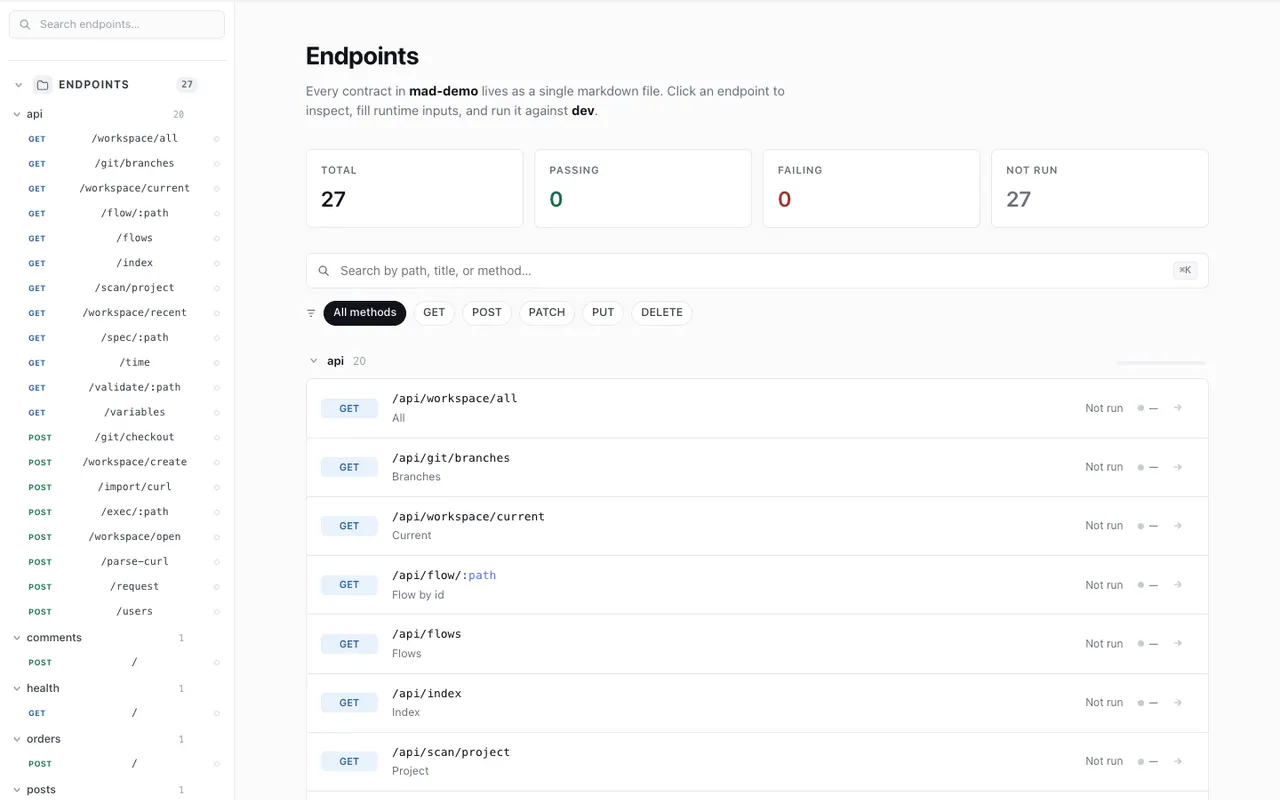
API docs that live outside your codebase quietly go stale. The contract and the implementation stop agreeing.
Login walls, team plans, and forced sync add friction for open-source teams and solo devs alike.
Your coding agent can read files, but not hidden app state in a cloud API workspace.
Design, run, and ship API contracts without leaving your repo, from the terminal, the browser, or your AI agent.
api-docs/*.md commit with your code and review in pull requests. No proprietary format.
rqb exec for scripts and CI. rqb serve for interactive design. Two interfaces, zero extra installs.
Claude Code, Cursor, Copilot, Codex, Antigravity, Windsurf, and OpenCode skills built in. Agents read, run, and write specs from the same files.
Chain endpoints, capture values from one response, inject them downstream. Saved as markdown.
Bring specs in from OpenAPI, cURL, or an existing export, or run rqb import project . to scan your codebase.
Rust binary, runs offline. No account or subscription. Anonymous usage reporting is optional and off by default. Apache-2.0.
Keep API contracts next to the handlers they describe, and validate them before you merge.
Claude Code, Cursor, Copilot, Codex, Antigravity, Windsurf, and OpenCode inspect, update, and run specs from files, with no GUI automation.
No workspace account, no proprietary collection format, no forced cloud sync for contributors.
Run rqb validate and rqb exec on every pull request to catch drift early.
Scaffold api-docs/ right inside your project, with no wizard and no signup.
$ rqb init --name=my-api \
  --dev-url=http://localhost:8080 --yes
Add specs as Markdown, or pull from OpenAPI, cURL, or an existing export. Nothing is locked in.
$ rqb import openapi ./openapi.yaml
# → api-docs/imported.md
Execute in CI, design in the browser, or install skills for your AI agent.
$ rqb exec api-docs/      # CI
$ rqb serve              # browser
$ rqb skills install --agent=claude-code
Your agent should not spend every task reading routers, guessing payloads, and rebuilding curl commands. Reqbook gives it a surgical, executable API layer in the repo: fetch the contract, run the endpoint, diagnose failures, commit the markdown.
# auto-detects agents and registers MCP tools
$ rqb skills install
$ rqb install mcp
# give Codex/Claude/Cursor only the contract it needs
$ rqb context refunds.quote --mode surgical --brief \
  --max-fields 12 --include variables,request,response,errors,rules,verify
# if a run fails, return likely cause + next action
$ rqb diagnose api-docs/apis/refunds/post-quote.md --output json
# ✓ executable API context ready
GUI collections are useful for exploration. Reqbook keeps agent context, execution, diagnosis, and reviewable API changes in Markdown files your repo, CI, and pull requests already understand.
Without a shared API workspace, agents scan routes, inspect controllers, rebuild request bodies, generate cURL commands, and parse raw terminal output again and again.
Reqbook is for teams that want runnable Markdown API specs, API testing for coding agents, and reviewable API workflows in one notebook-like source of truth.
The goal is not to clone a desktop API client. The goal is to make the API knowledge already living near your code executable enough for humans, CI, and agents to trust.
apis/users/post-create-user.md
apis/auth/post-login.md
flows/signup-login-profile.md

$ rqb validate api-docs/
$ rqb flow api-docs/flows/signup-login-profile.md
Choose a local API client when the main job is manual request exploration, desktop UX, and request collections.
Choose an HTTP runner when the main job is terse command-line tests, captures, assertions, and CI output.
Choose Reqbook when docs, requests, tests, flows, and coding-agent context should be one runnable Markdown artifact in Git.
API clients, HTTP runners, API platforms, and Reqbook solve different API problems. Reqbook is strongest when API docs, requests, tests, flows, PR review, CI, and agent context need to be the same runnable notebook.
| Workflow need | Reqbook | API clients | HTTP runners | API platforms |
|---|---|---|---|---|
| Primary job | API workflow notebook | Desktop request building | HTTP test execution | Team API operations |
| Source of truth | Markdown notebook in repo | Collection files | Plain-text test file | Hosted or Git-backed workspace |
| Best fit for agents | Specs, MCP, skills | Request examples | CLI test context | Platform integration |
| PR review signal | Readable Markdown contract | Collection diff | Test file diff | Setup dependent |
| CI workflow | validate, exec, flow | Tool-specific CLI | Strong CLI reports | Platform CLI |
| When to choose it | The API notebook must run | You want a local app | You want terse tests | You need broad platform tooling |
Comparison reflects each tool's primary, out-of-the-box workflow. Read the dedicated comparisons for Postman, Bruno, Insomnia, Hurl, and HTTPie. All trademarks belong to their owners.
Practical notes on markdown API testing, agent workflows, and local-first API tooling.
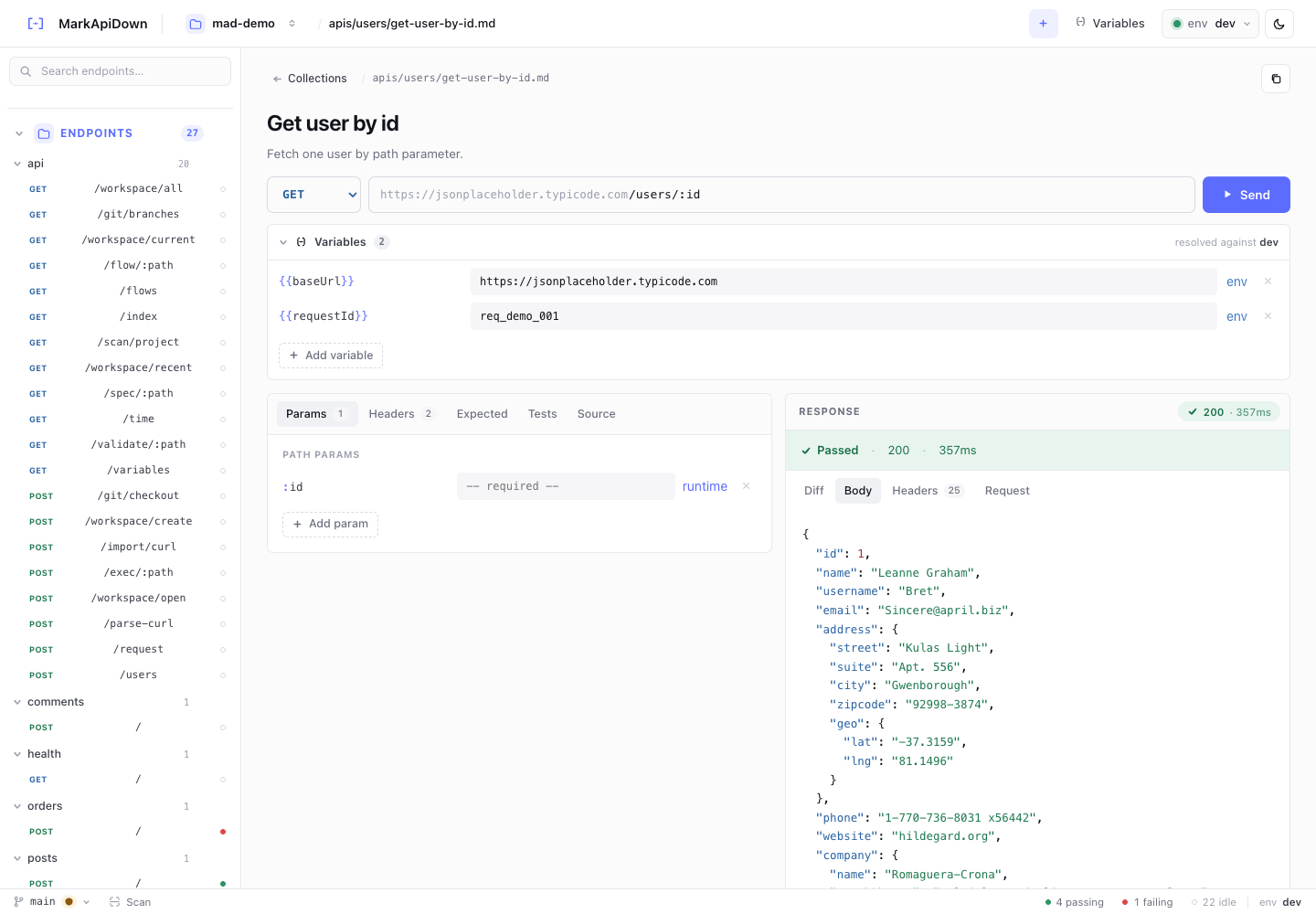
Learn the API workflow notebook pattern: repo-native Markdown files that keep API docs, requests, tests, flows, and coding-agent context in sync.
Read the API workflow notebook for agentic API testing guide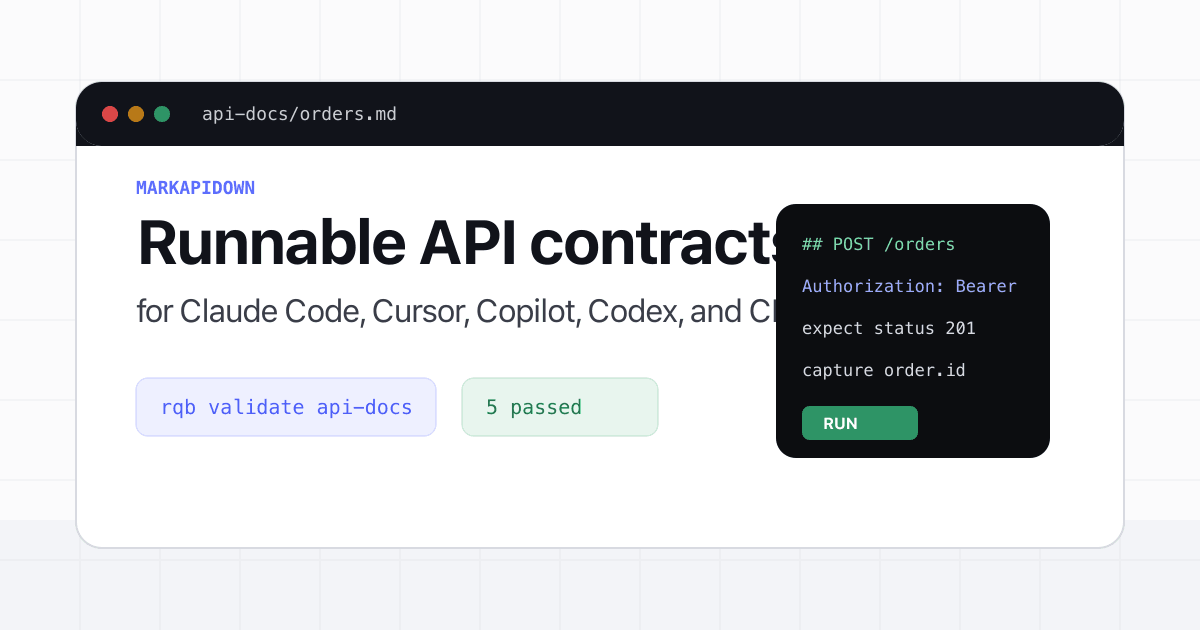
A practical guide to API docs as code using Markdown contracts that developers can review, coding agents can read, and CI can execute.
Read the API docs as code: executable contracts in your repo guide How to run CI API testing with Markdown API specs, stable exit codes, JUnit reports, and secrets passed through RQB_* environment variables.
Read the CI API testing with Markdown specs guideInstall the rqb binary directly with the shell installer, or use npm, crates.io, and the VS Code Marketplace. Then run specs from the terminal, browser UI, or VS Code.
$ curl -fsSL https://markapidown.net/install.sh | sh
$ rqb init --yes
$ rqb serve
Installs the latest macOS or Linux binary and verifies its SHA-256 checksum when available. No Node.js or Rust toolchain required. See the full install guide.
curl -fsSL https://markapidown.net/install.sh | shnpm install -g reqbookcargo install reqbookcode --install-extension reqbook.reqbook-vscodecargo install --git https://github.com/ngoclinh93qt/ReqBookBecause plain .md files version with your code, review in pull requests, and stay readable to both people and AI agents. No proprietary format, no hosted collection behind a login.
No. Reqbook runs locally as a single Rust binary. There's no hosted workspace or login. Optional anonymous active-usage reporting is off by default.
Install the rqb CLI directly with curl -fsSL https://markapidown.net/install.sh | sh, or use npm install -g reqbook and cargo install reqbook. The VS Code extension is available as reqbook.reqbook-vscode.
Yes. Reqbook ships agent skills so coding agents can read, write, validate, and run your API specs directly from the same Markdown files. Run rqb skills install for your agent of choice.
Yes. Import from OpenAPI, cURL, or an existing export, or run rqb import project . to scan your codebase and generate the specs you're missing.
Yes. Run rqb validate api-docs/ to check every spec on each push, and rqb exec to run them inside your pipeline.