A local-first API workspace for agent workflows
Where Reqbook fits when API docs, tests, PR review, CI, and coding-agent context need to stay in sync.
A local-first API workspace is useful only if the API knowledge is easy to read, run, and review. For agent workflows, the bigger question is not which client opens the request. It is where the contract lives.
If it lives in a GUI collection, a coding agent needs a bridge. If it lives in a hosted workspace, CI and pull requests need another bridge. If it lives only in terse test files, humans may not treat it as product documentation.
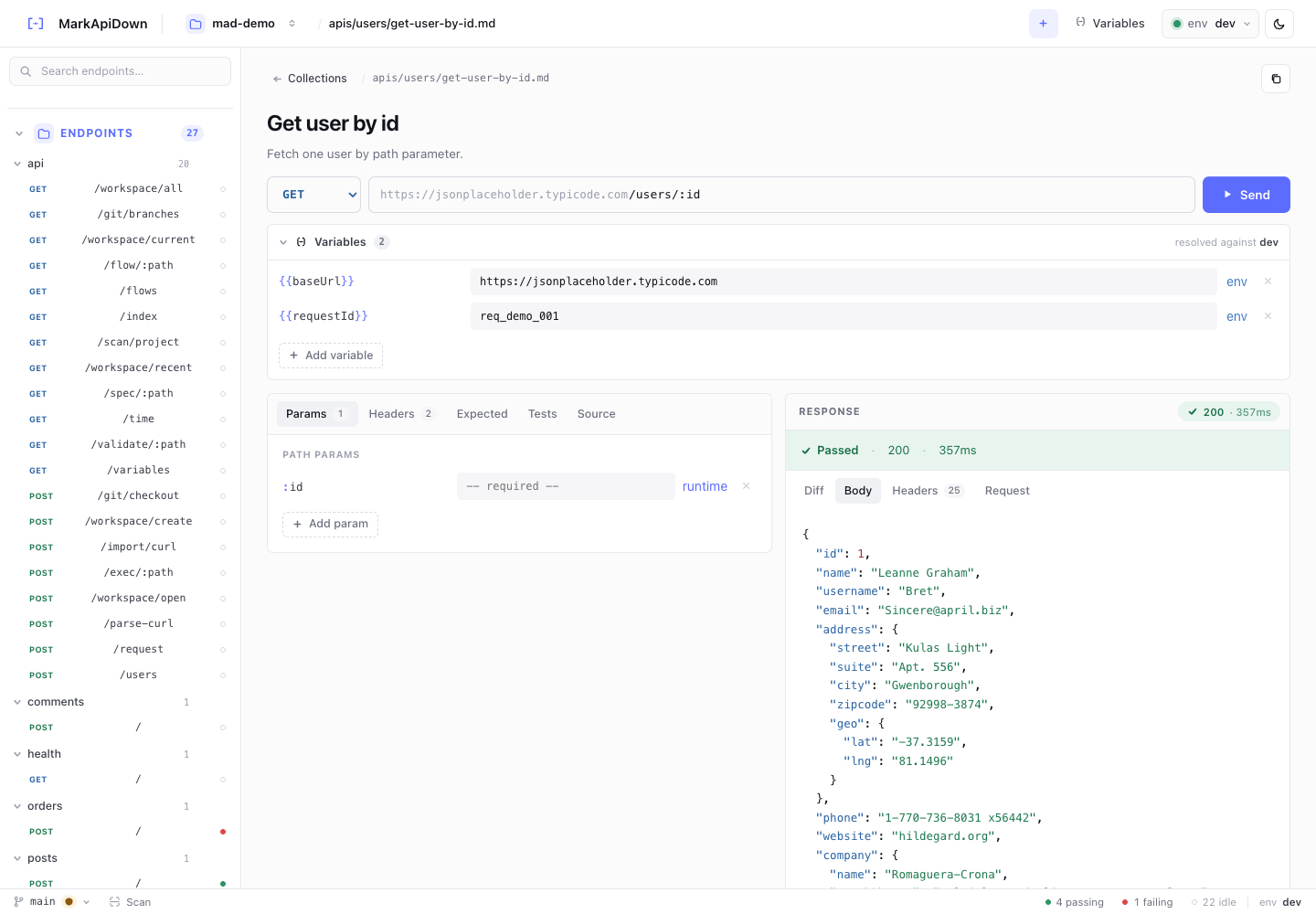
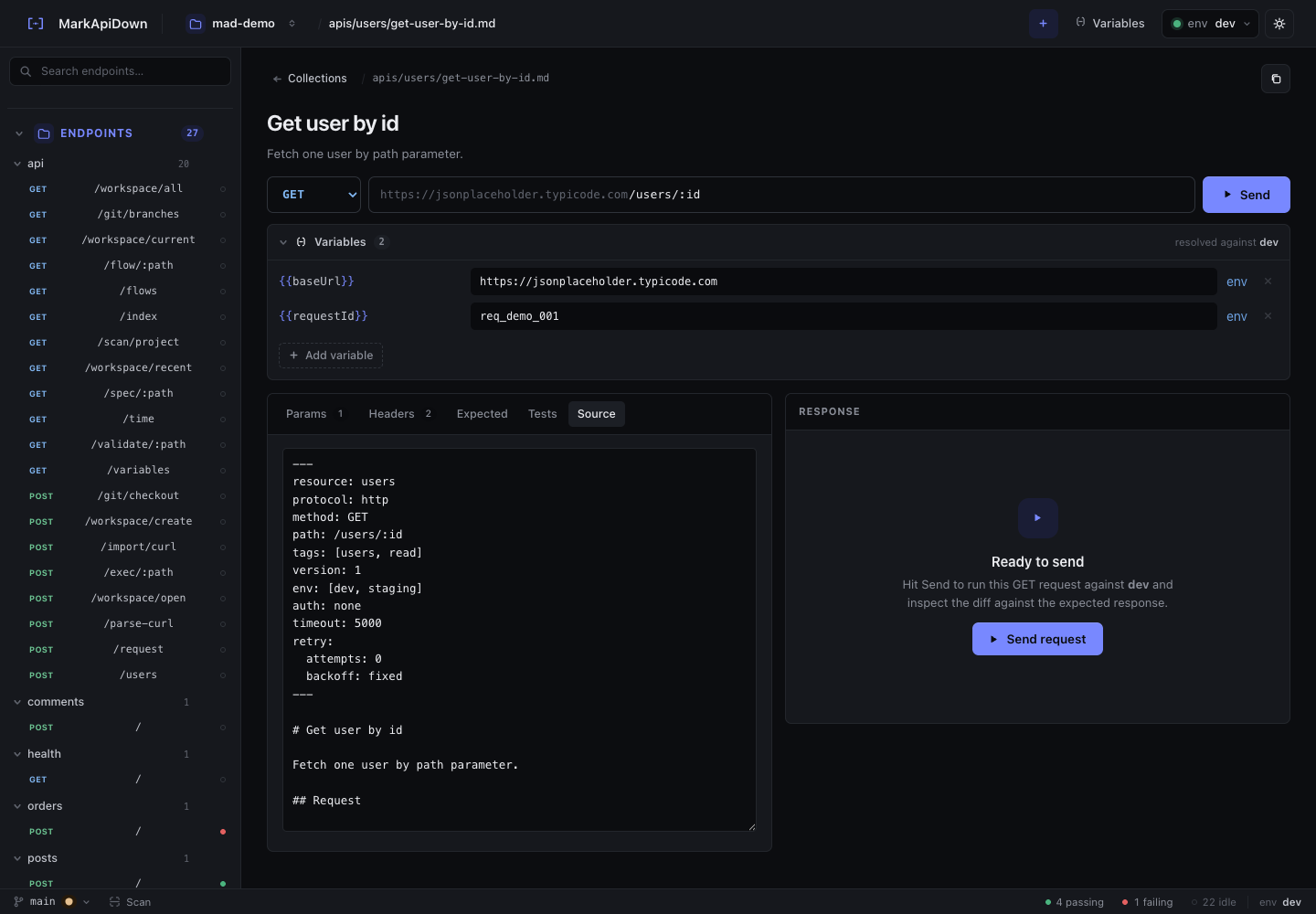
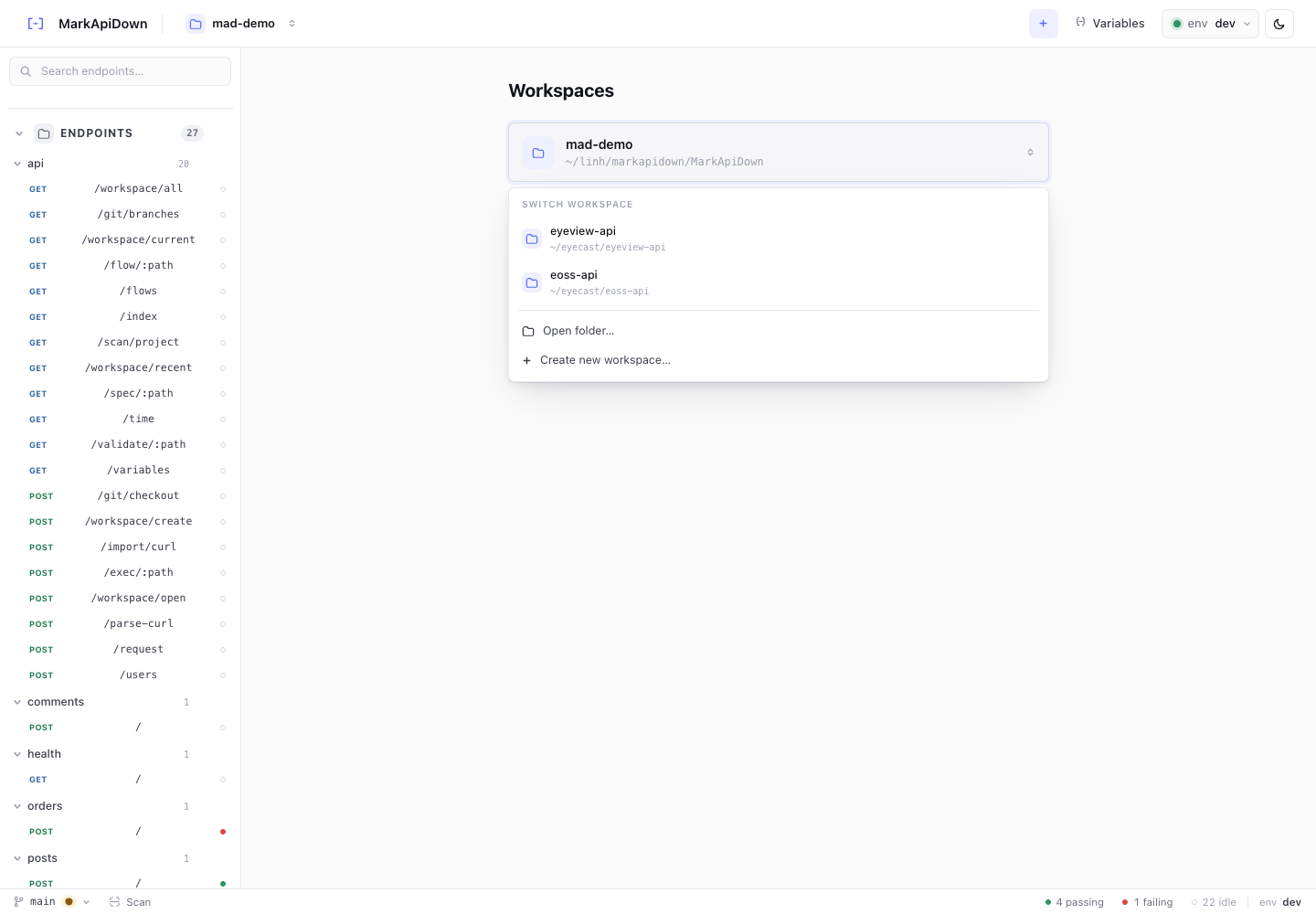
Reqbook takes a narrower position: executable API documentation in the repo. It gives humans a local API workspace, gives CI runnable specs, and gives coding agents Markdown files they can read before changing code.
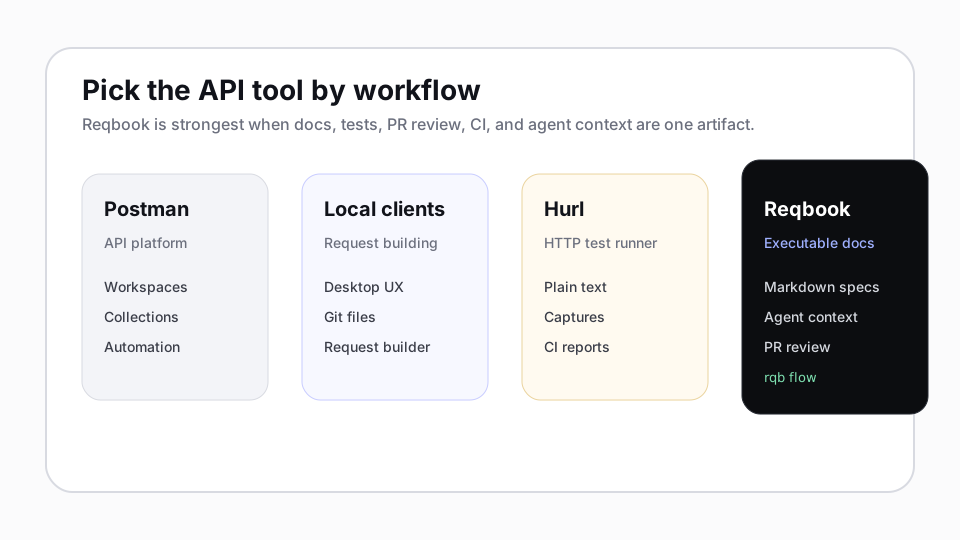
Think by workflow
Broad API platforms are strong when a team wants collaboration, collections, environments, governance, automation, and a familiar API client workflow.
Local API clients are strong when a team wants manual request exploration, desktop UX, local collections, and a visual request builder.
HTTP test runners are strong when a team wants fast command-line execution with plain-text tests, captures, assertions, and CI-friendly output.
Reqbook is not trying to beat those categories at their strongest jobs. It is trying to solve a different job:
Keep API docs, tests, and agent context in one Markdown source of truth.
That distinction matters because coding agents are file-native. They work best when the API surface is searchable, diffable, executable, and close to the source code.
When to use each tool
| Use this workflow | When the main job is |
|---|---|
| API platform | Hosted collaboration, team workspaces, monitoring, and governance. |
| Local API client | Manual exploration, desktop UX, and request collections. |
| HTTP runner | Terse HTTP tests and command-line assertions in CI. |
| Reqbook | Executable API docs, PR-reviewable contracts, flows, and coding-agent context. |
This is why “API client alternative” is only partly accurate for Reqbook. If your team mainly wants manual request exploration, a dedicated API client may be the better daily driver. If your team wants API behavior changes to appear in Markdown diffs and run in CI, Reqbook is a better fit.
What local-first means for agents
For a human, local-first often means no account, no cloud dependency, and files that belong to the repo. For a coding agent, local-first also means:
- it can search the API docs without opening a separate UI,
- it can update a request and expected response in the same edit,
- it can run
rqb execorrqb flowand inspect structured output, - it can explain the contract change in a pull request,
- it can avoid rediscovering routes and payloads every session.
That is the workflow Reqbook optimizes:
rqb validate api-docs/
rqb exec api-docs/apis/users/post-create-user.md
rqb flow api-docs/flows/signup-login-profile.md
rqb serve
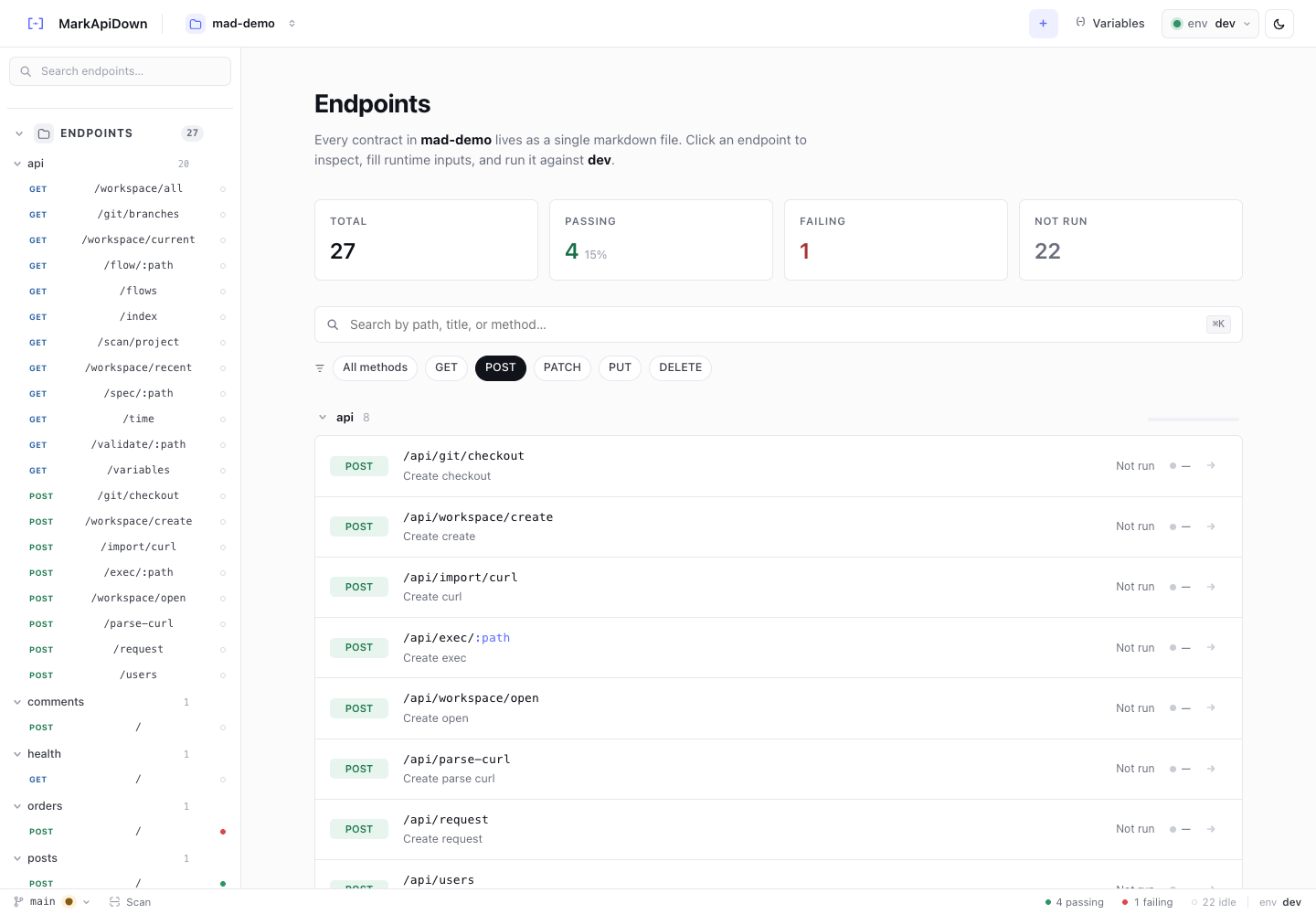
The browser UI is there for humans. The CLI and Markdown files are there for automation and agents.
The source of truth is the contract file
In Reqbook, a spec is not just a saved request. It has prose, request, expected response, assertions, tests, and notes:
# Create checkout session

Creates a hosted checkout session for an open cart.

## Request

```http
POST {{baseUrl}}/checkout/sessions
Content-Type: application/json

{
  "cartId": "{{cartId}}",
  "successUrl": "https://example.test/success"
}
```

## Expected response

```http
HTTP/1.1 201 Created
Content-Type: application/json

{
  "id": "{{checkoutSessionId}}",
  "cartId": "{{cartId}}",
  "status": "ready"
}
```

## Assertions

- status: 201
- body.id: exists
- body.status: equals ready
This is a small contract a reviewer can understand. It is also enough for an agent to know what a correct checkout session should look like.
Migration path from an existing API workflow
Do not migrate the whole API at once. Pick one workflow that is already painful:
- signup -> login -> current profile,
- create cart -> add item -> checkout session,
- create repository issue -> add comment -> close issue,
- create workspace -> invite member -> list members.
Then bring in existing artifacts:
rqb init --name=my-api --dev-url=http://localhost:8080 --yes
rqb import openapi ./openapi.yaml
rqb import curl --file request.curl
rqb validate api-docs/
rqb serve
If you already have API collection exports, import those first and clean up the generated specs. Keep your existing interactive client if it helps exploration; introduce Reqbook for the flows you want agents and CI to trust.
The future roadmap should make migration even easier with deeper OpenAPI export, local collection import, .http import, and PR-focused reports. Those are the right product features because they reduce switching cost without pretending Reqbook is a full desktop API client.
Example workflows worth copying
Reqbook now has three example directions that map to real adoption paths:
examples/saas-auth-api: auth and onboarding with token capture.examples/github-api-client: public GitHub API smoke checks with path variables.examples/ecommerce-checkout-flow: checkout business flow that can run withrqb mock.
The checkout flow is the clearest agent example:
1. Create cart
   - Capture: response.body.id as cartId
2. Add item
   - Inject: cartId, sku, quantity
3. Create checkout session
   - Inject: cartId
   - Capture: response.body.id as checkoutSessionId
That is documentation a product engineer can read, a backend engineer can run, a frontend engineer can mock, and an agent can use as context.
Where Reqbook should stay narrow
The tempting product mistake is to clone every API client feature: visual request builders, huge auth matrices, collaborative workspaces, cloud sync, monitors, mocks, desktop polish, and AI chat.
Reqbook should stay narrower until the core thesis is very strong:
- Markdown-first docs.
- Executable contracts.
- Agent-ready context.
- PR review and CI reports.
- Business flows that read like documentation and run like tests.
That is enough to be useful without competing head-to-head with mature API clients.
If this is the workflow you want, start with the install section, read the agent loop in API testing for coding agents, or compare the category fit in How it compares.